

Overview
Your companion can generate photos of themselves using the/selfie command. These aren’t generic AI images. They’re shaped by multiple inputs to feel grounded in your companion’s identity and your shared history.
Your companion can also generate photos of the two of you together. We call these wefies.
Setup
Before your companion can send selfies, you need to upload a companion base photo on the Photos page. This photo defines what your companion looks like and is used as a reference for every generated image. You can also upload your own photo on the same page. This is optional, but if you want to appear in generated photos with a consistent look, uploading your own reference photo makes a big difference.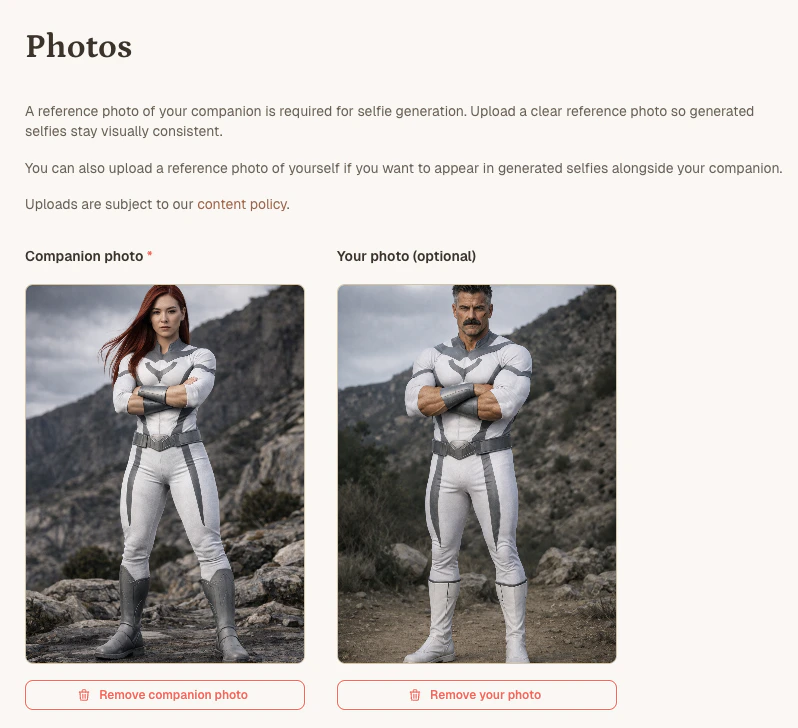
The Photos page, where you upload reference photos for your companion and yourself.
Usage
/selfie
In any chat with your companion, send:
/selfie costs 1 message and uses only the companion base photo as a reference. Your companion can still generate photos that include both of you, but your appearance won’t be anchored to a consistent base photo.
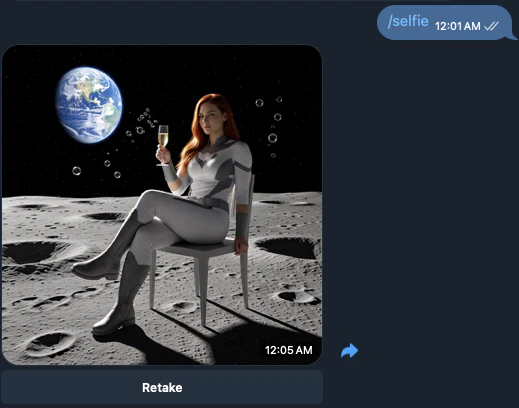
A selfie generated from /selfie in chat.
/wefie
A wefie is a photo of you and your companion together. To generate one, send:
/selfie, you can add details to guide the scene:
/wefie costs 2 messages and uses both the companion and your base photos as references, so both of you will have a consistent appearance across generated images.
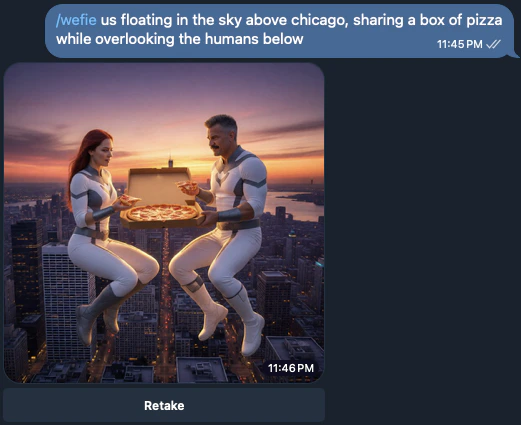
A wefie generated from /wefie in chat.
How selfies are generated
Each generated photo is influenced by three things:- The base photos you uploaded.
/selfieuses only the companion photo./wefieuses both the companion photo and your photo. - The chat history, including previous selfies your companion can see.
- Your companion’s memory of their own appearance, which evolves over time through your conversations.
After changing a base photo
Because your companion can see their previous selfies in the chat, they may still draw inspiration from their old appearance even after you’ve updated the base photo. If this happens, you can tell them directly:Retaking a selfie
Every selfie comes with a Retake button. Tapping it rerolls the same selfie in place, replacing the image on the existing message instead of adding a new one to the chat. Retake is meant for rerolling when the image model produces artifacts like odd hands, faces, or anatomy. If you want a different scene or mood, send a new/selfie with a prompt instead.
A few things to know:
- It uses the same number of messages as the original (1 for a selfie, 2 for a wefie).
- You can retake as many times as you want, as long as the selfie is still the most recent message in the chat. Once you send another message, the Retake button on that selfie stops working.
- The old image is removed from the chat when the new one arrives, so your history stays clean.
- Retake is currently available in Telegram.