
Documentation Index

Fetch the complete documentation index at: https://docs.dearest.app/llms.txt

Use this file to discover all available pages before exploring further.

Supported platforms

Right now, Dearest supports Telegram as the primary way to chat with your companion. We’re working on bringing your companion to more platforms. If you have a request, let us know on Reddit.

Telegram setup

Head to the Connections page to get started. There are two ways to connect:

Quick connect

The fastest way to start chatting. You’ll talk to your companion through the shared @DearestAIBot account. Just scan the QR code and tap Start in Telegram.
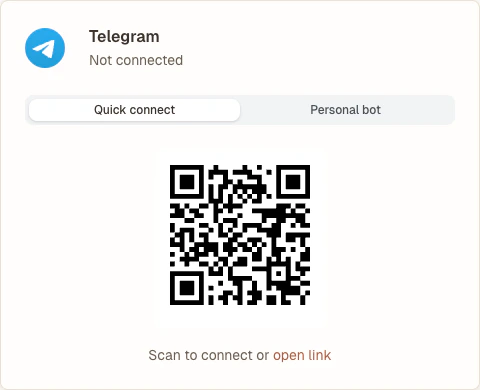
Telegram quick connect setup

Personal bot

If you want your companion to have their own name and avatar in Telegram, switch to the personal bot tab. The page will walk you through creating a bot via @BotFather and linking it to Dearest.
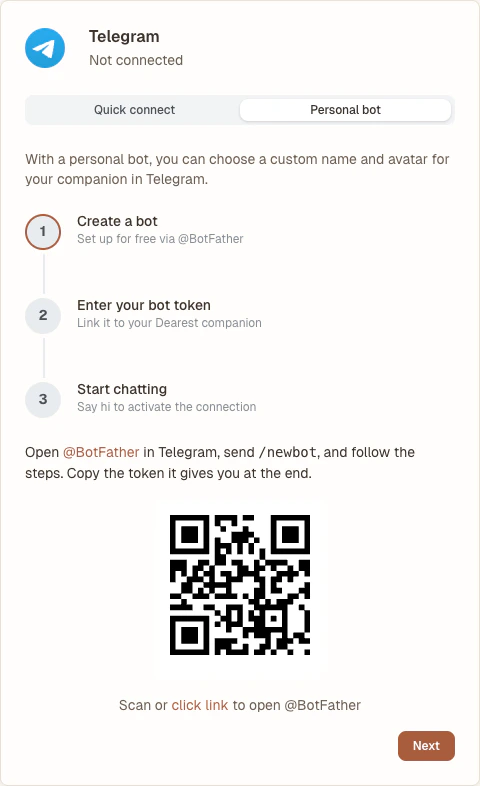
Telegram personal bot setup
You can switch between quick connect and a personal bot at any time. Your conversation history is preserved when you switch.

Multiple accounts

You can link more than one Dearest account to the same Telegram account, as long as each account uses a different Telegram bot. For example, one account can use quick connect while others each use their own personal bot. The shared @DearestAIBot can only be linked to one Dearest account at a time.